Review build
 Stellar Notes for desktop
The same app, polished
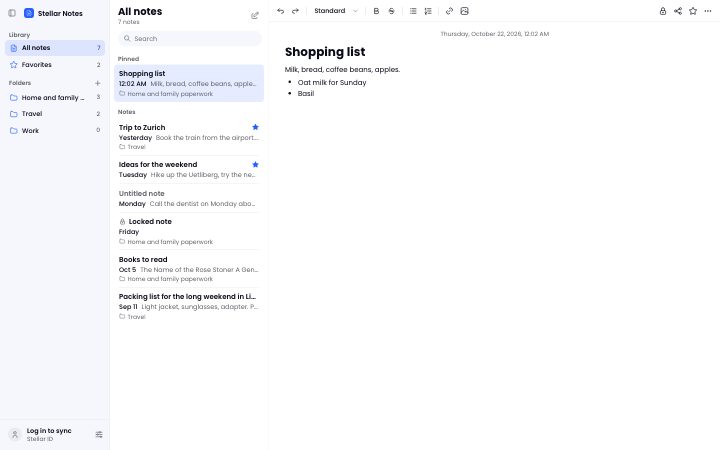
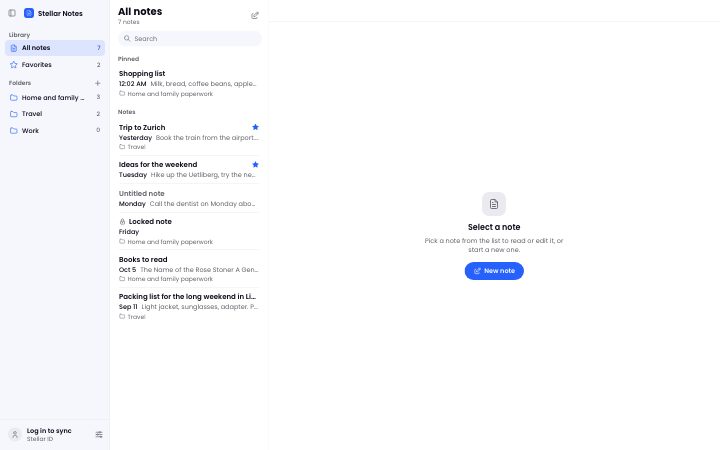
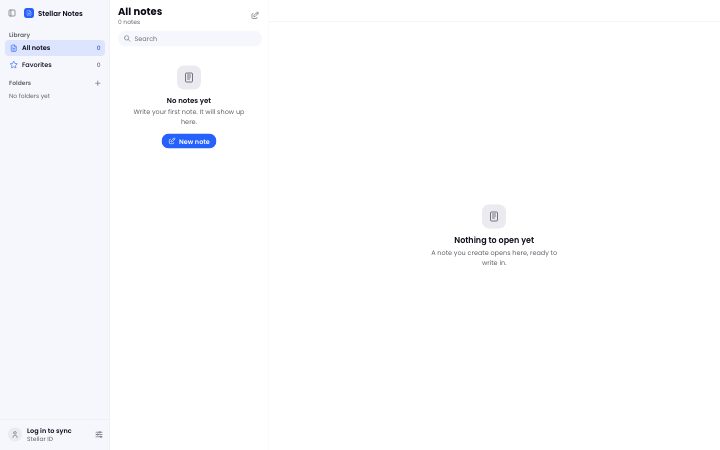
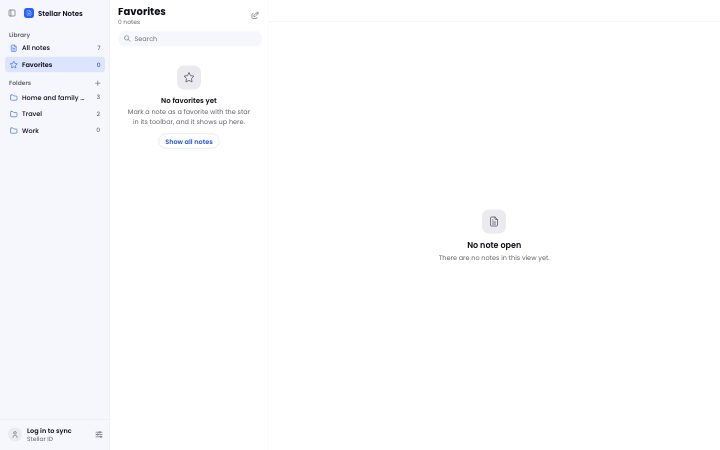
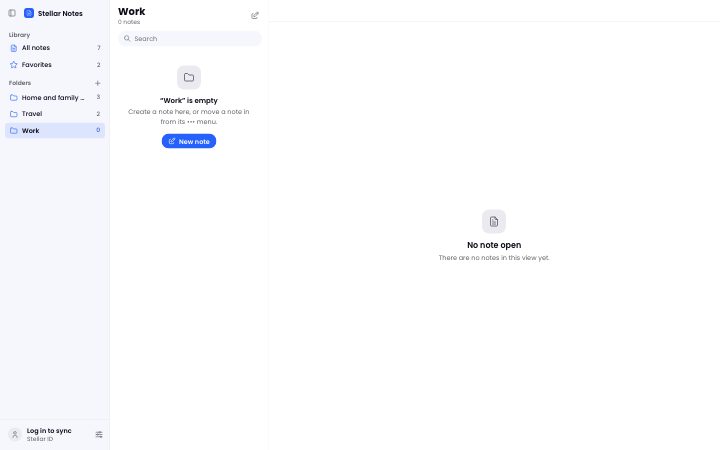
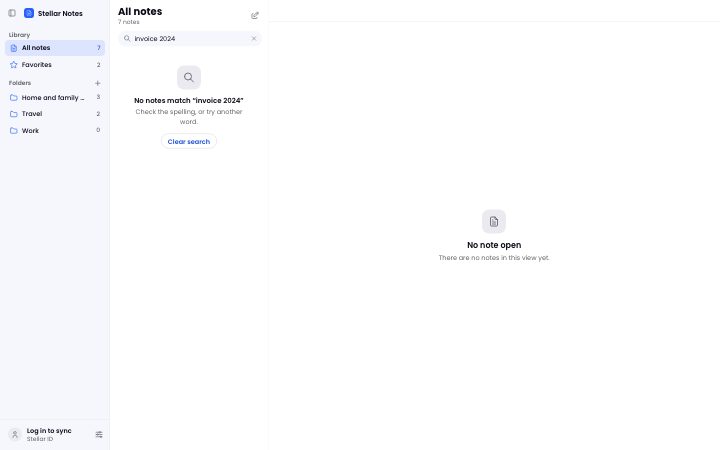
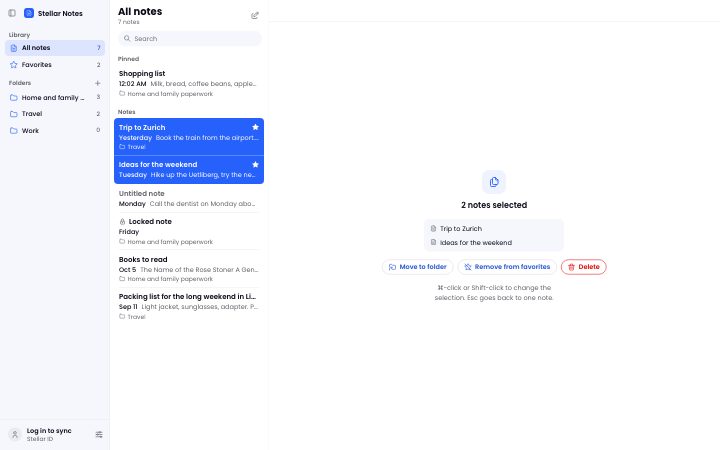
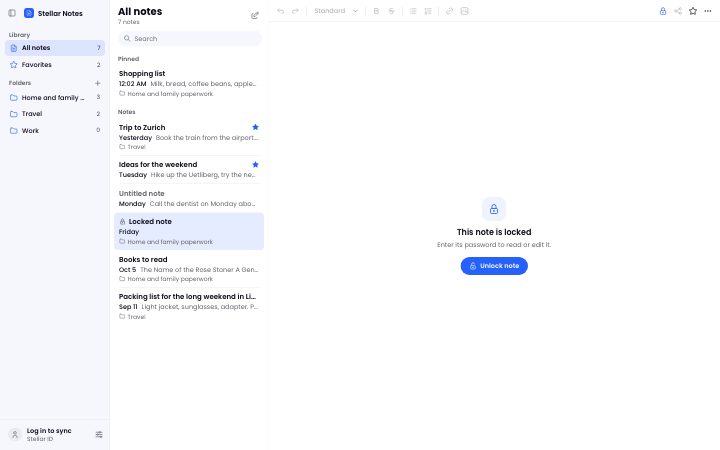
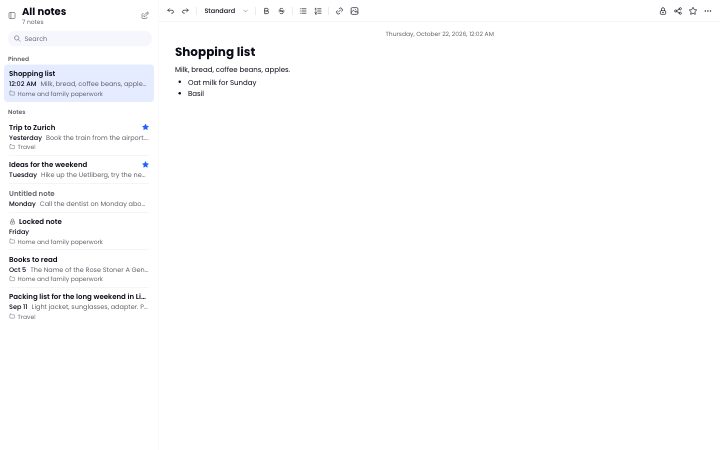
Structure and features stay where they are. Round 2 makes it behave like a desktop app: Mac density, a sidebar that hides, selection with ⌘-click and Shift-click, Lock on view in the toolbar. One design for macOS, Windows and Linux. Click through it like the app; the chip in the corner switches between states.
What changed
Round 2, after the review: from a web app to a desktop app, with Apple Notes as the reference.
- Desktop density14 px text, 32 px rows, 28 px square icon buttons, dialogs 440 wide.
- A sidebar that hidesWith its button or ⌥⌘S; below 1100 px it hides by itself.
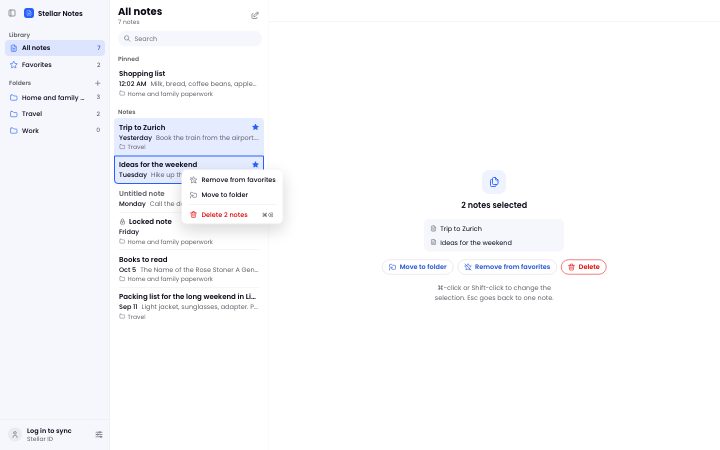
- Select like on a desktop⌘-click, Shift-click, ⌘A; the actions for several notes appear in the editor.
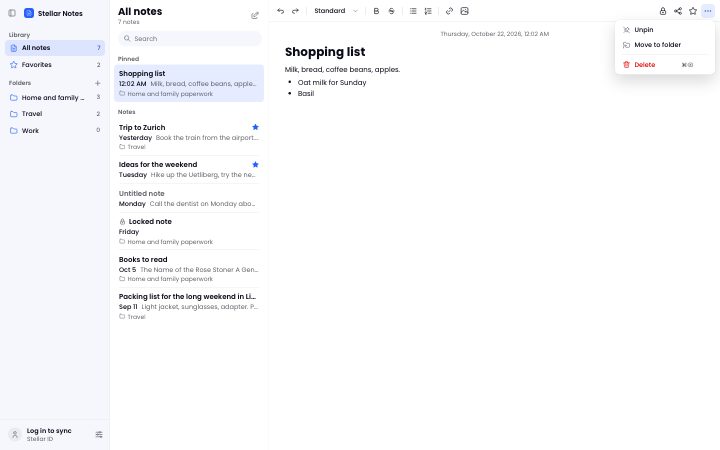
- Lock on viewLock, Share and Favorite sit in the toolbar; ••• keeps Pin, Move and Delete.
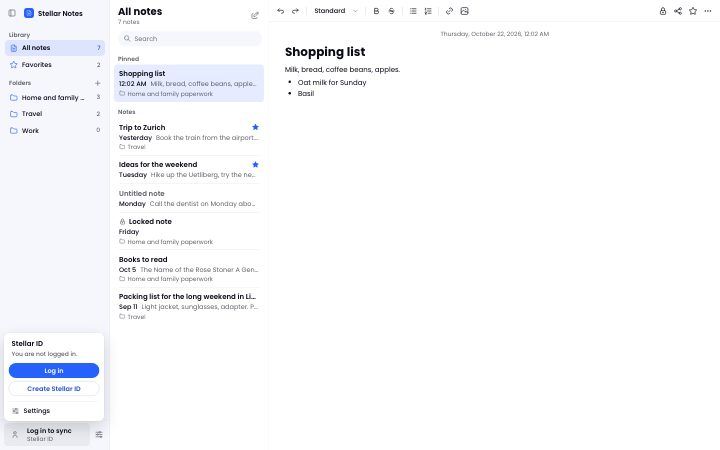
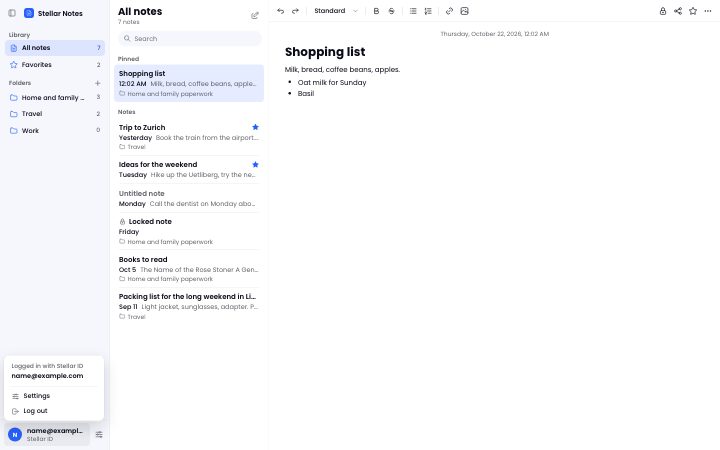
- Account at the footYour Stellar ID, or "Log in to sync", at the bottom of the sidebar.
- The real app iconFrom the shipped app, and it installs into the Dock from Safari.
The app
9 screensThree columns as today: library and folders, notes, editor.
Menus
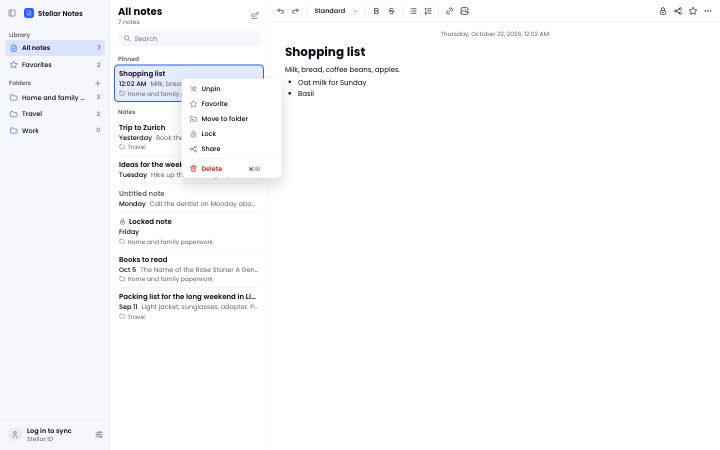
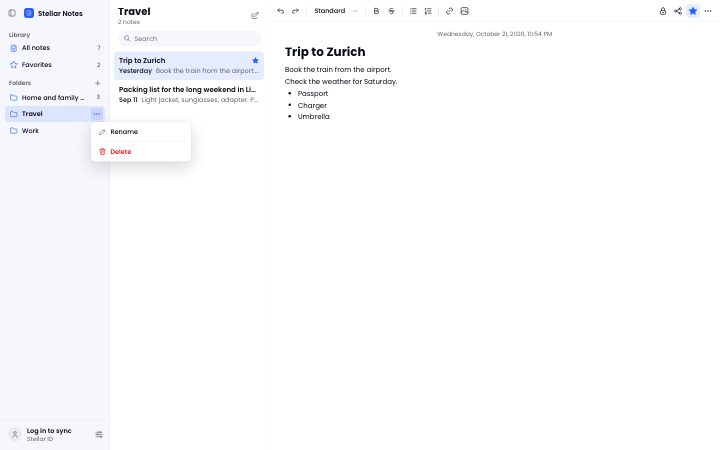
6 screensOne menu component: ••• in the toolbar, right-click on a note, on the selection and on a folder.
Dialogs
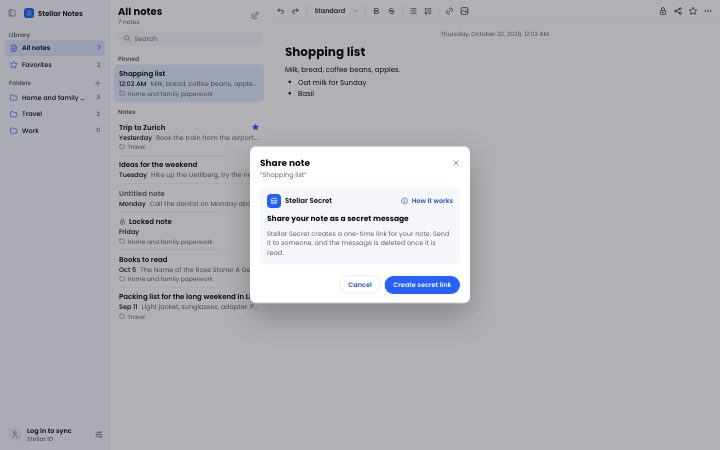
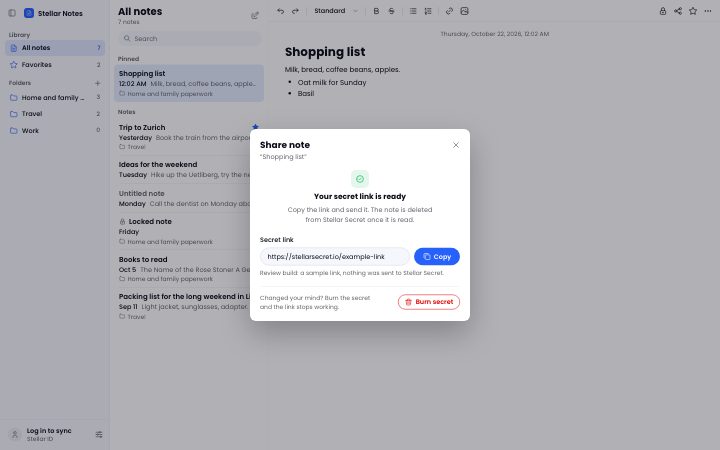
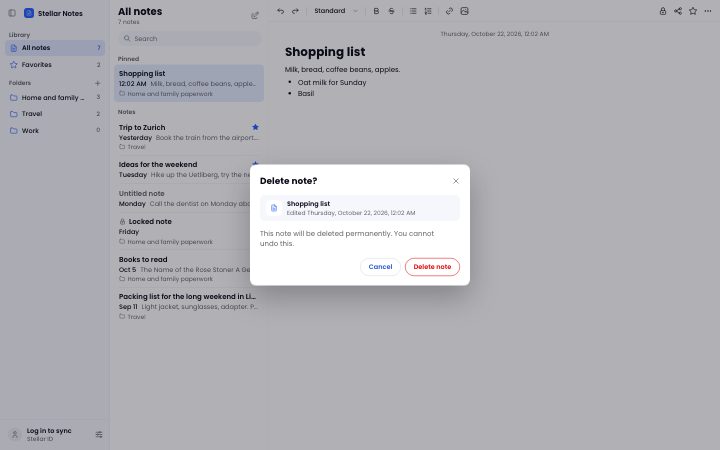
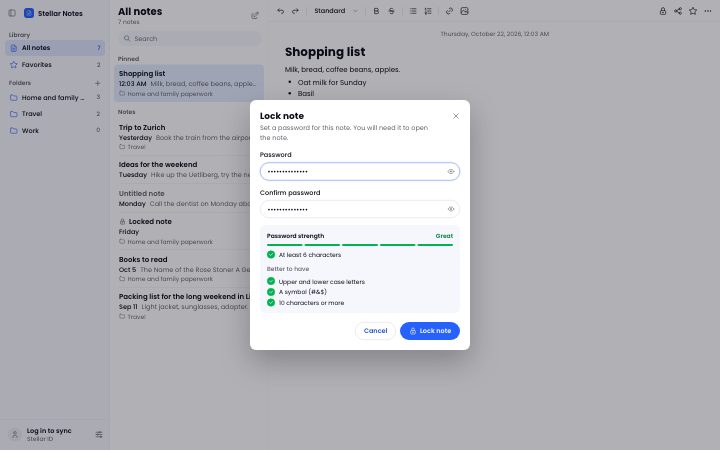
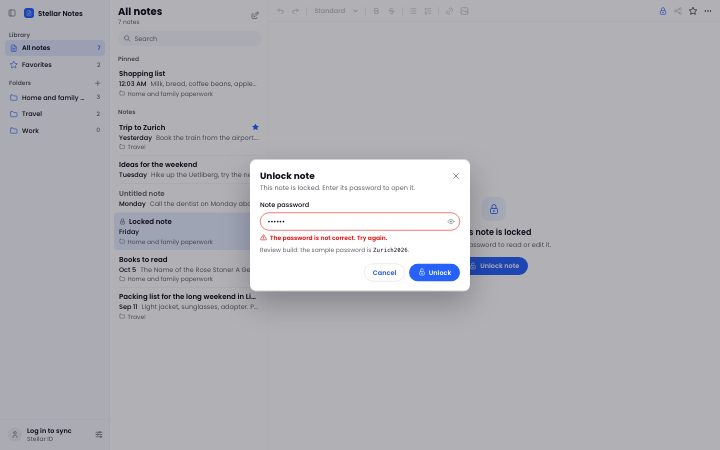
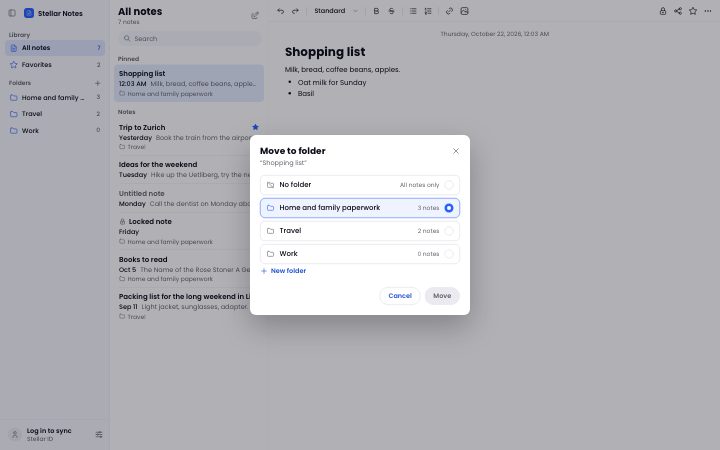
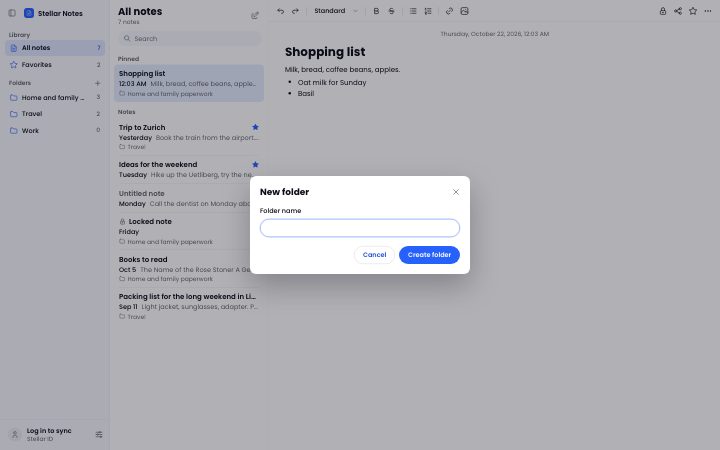
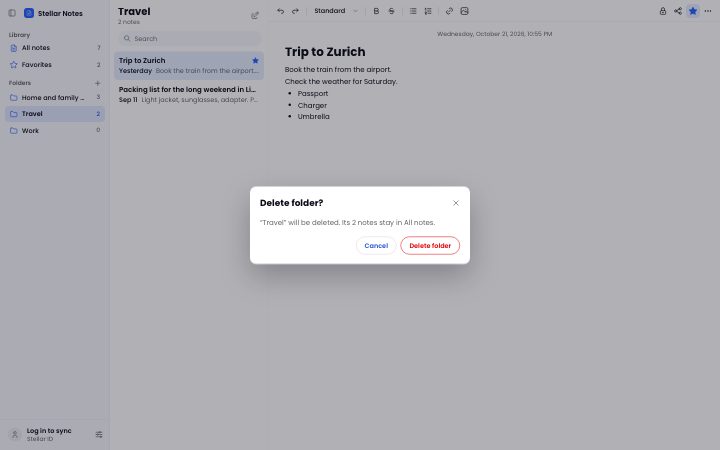
11 screensOne dialog family for every question the app asks.
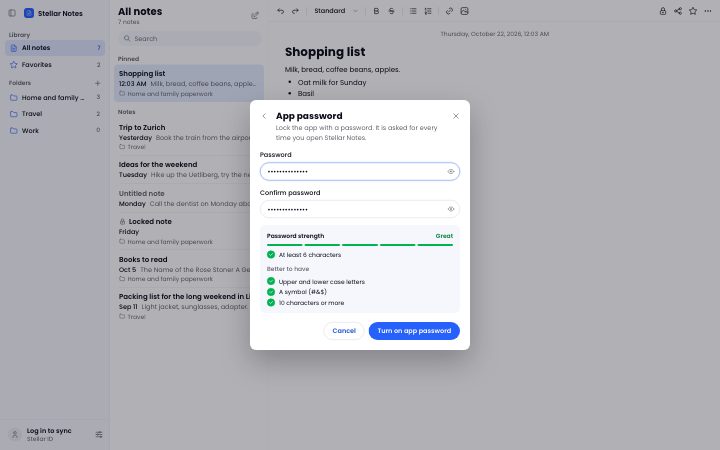
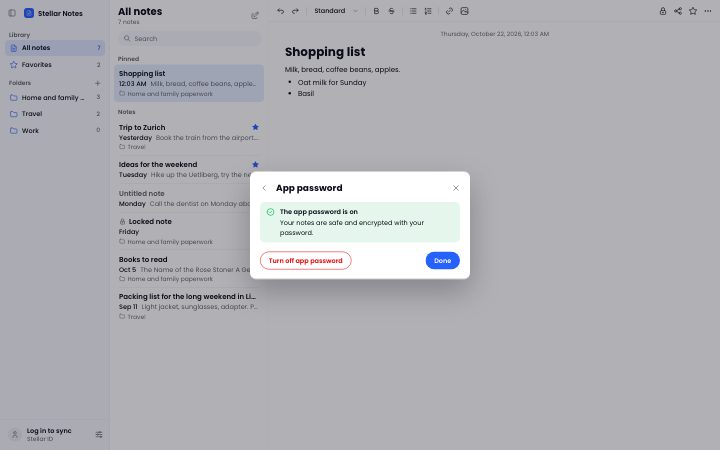
Stellar ID and app lock
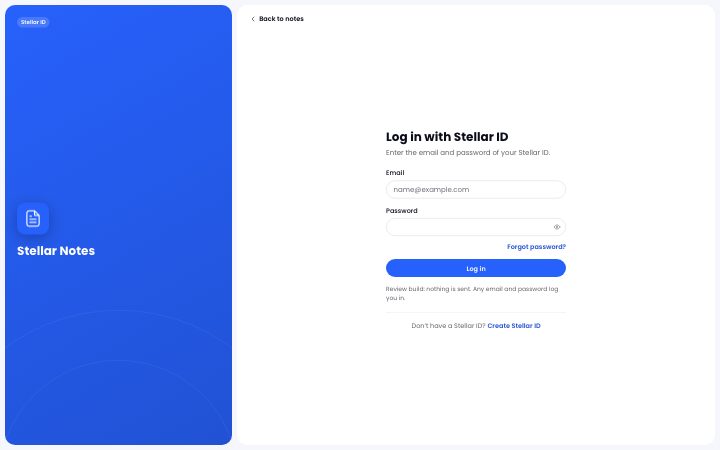
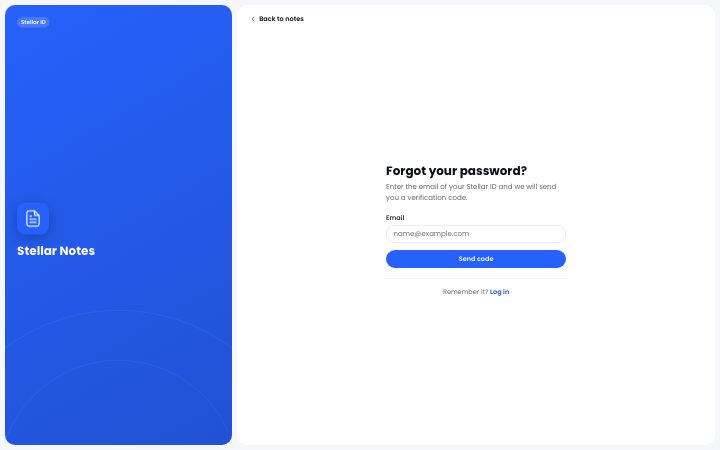
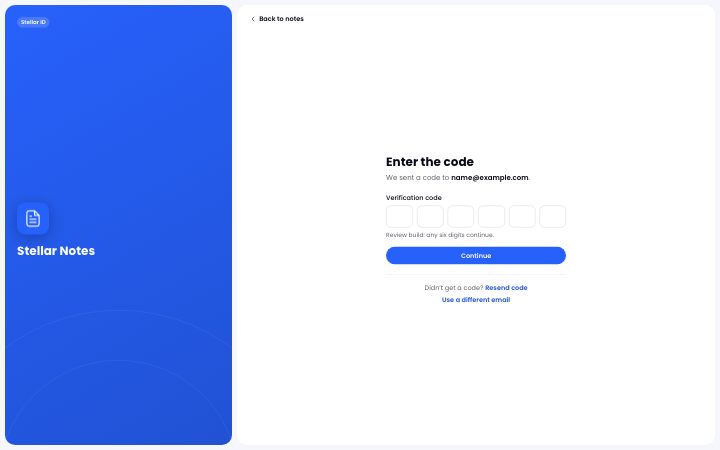
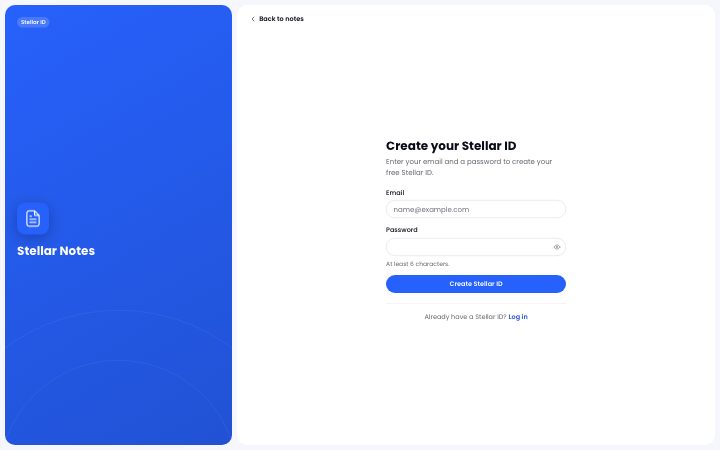
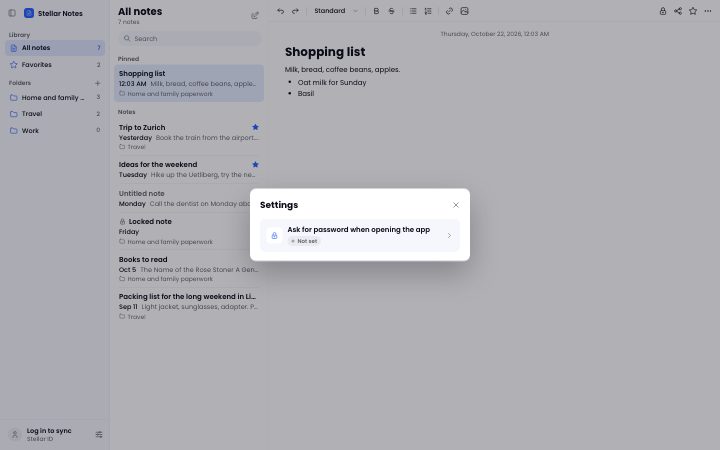
6 screensThe split layout stays, at the same desktop density; the lock screen sits on our soft surface.